Juan Gabriel Franco
AI & automation
The systems library
Every part of an automation and CRM setup I configure, beyond the website. Screenshots are from real setups I built.
Built in HighLevel
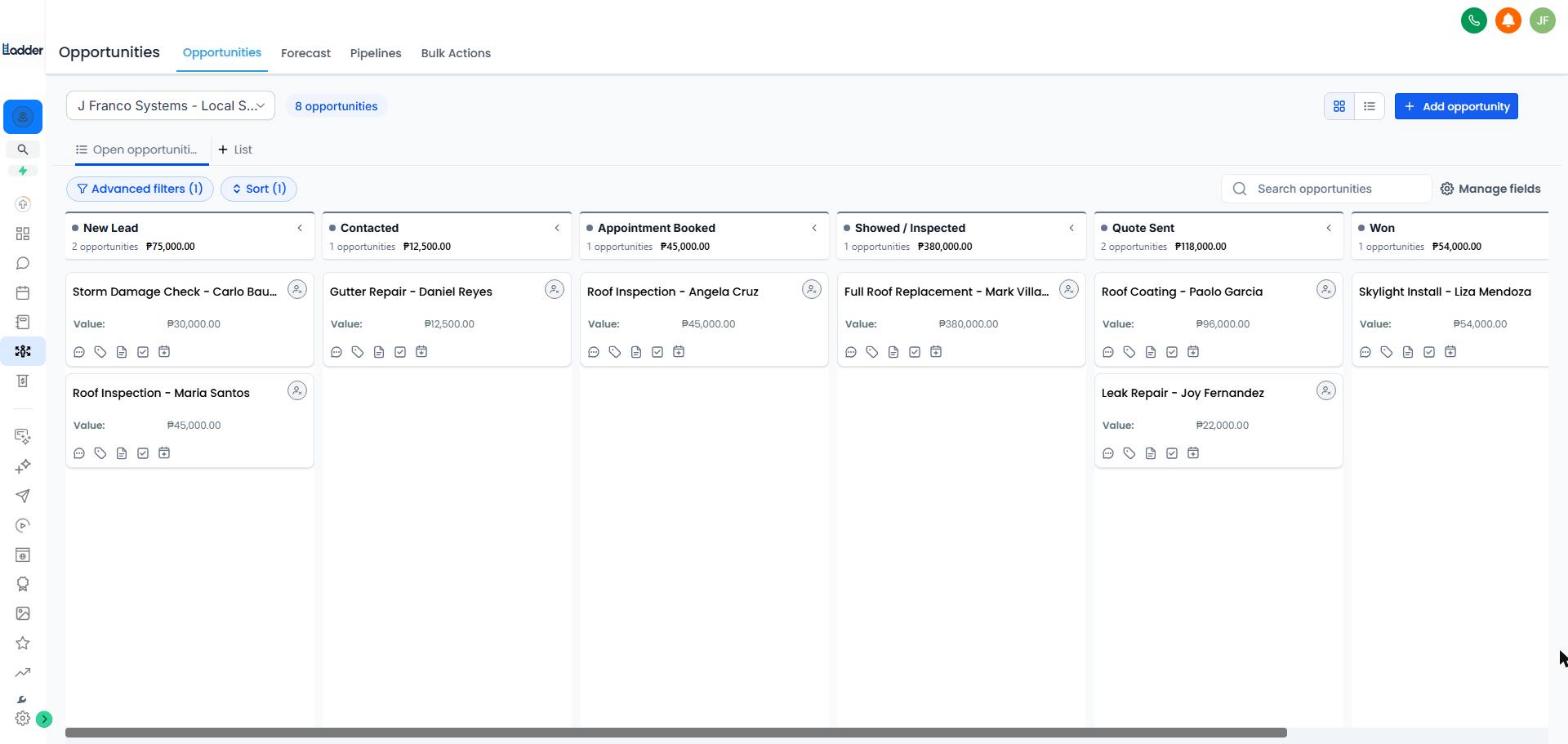
CRM Pipelines
Opportunity pipelines that show exactly where every lead stands, with automations that move deals forward on their own.
- Stages built around the client’s sales steps
- Deal values and owners on every card
- Workflows that move stages on reply, booking and payment
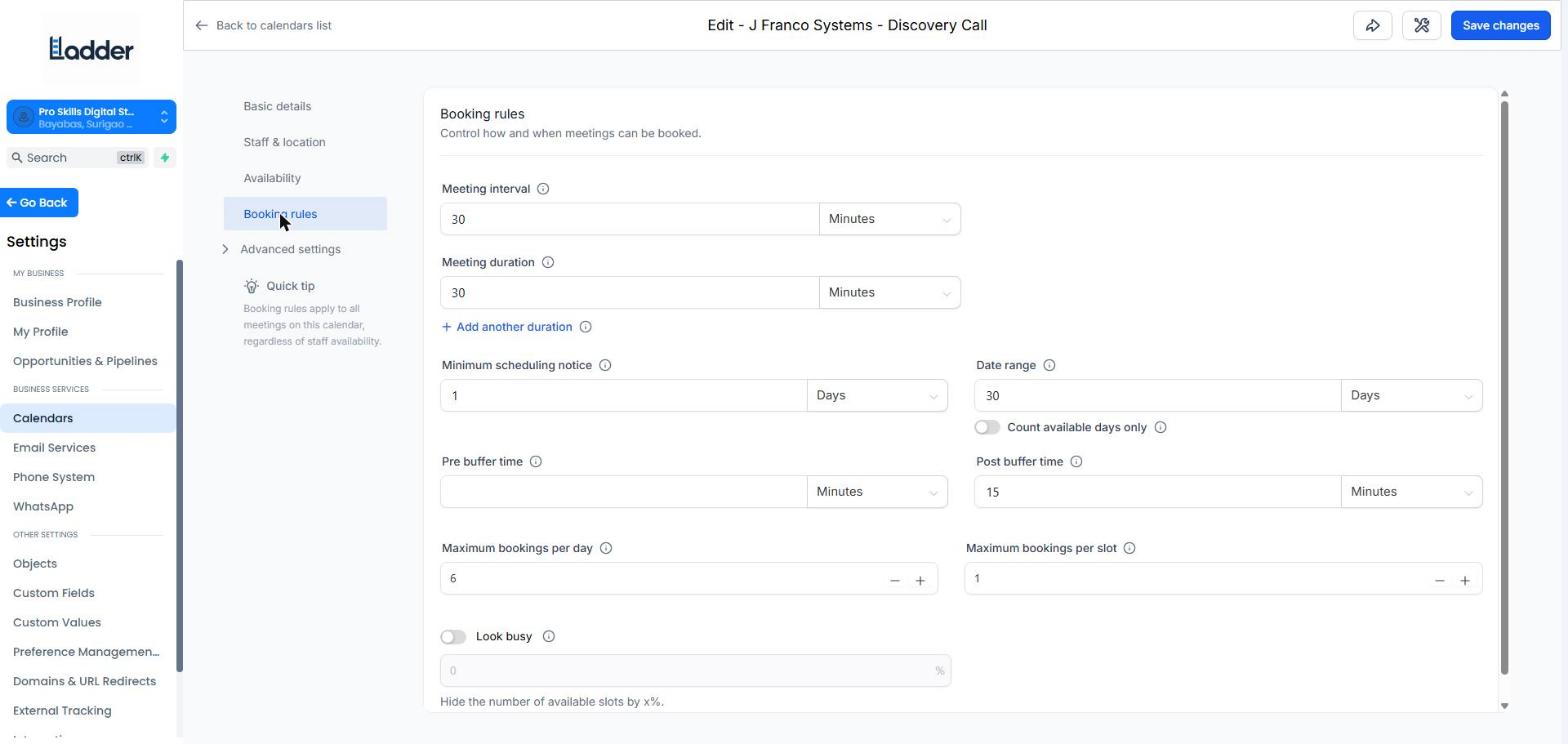
Calendars & Booking
Booking calendars wired into every website, so visitors pick a time without a phone call.
- Service menus, buffers and availability rules
- Round-robin for teams
- Confirmation and reminder flows
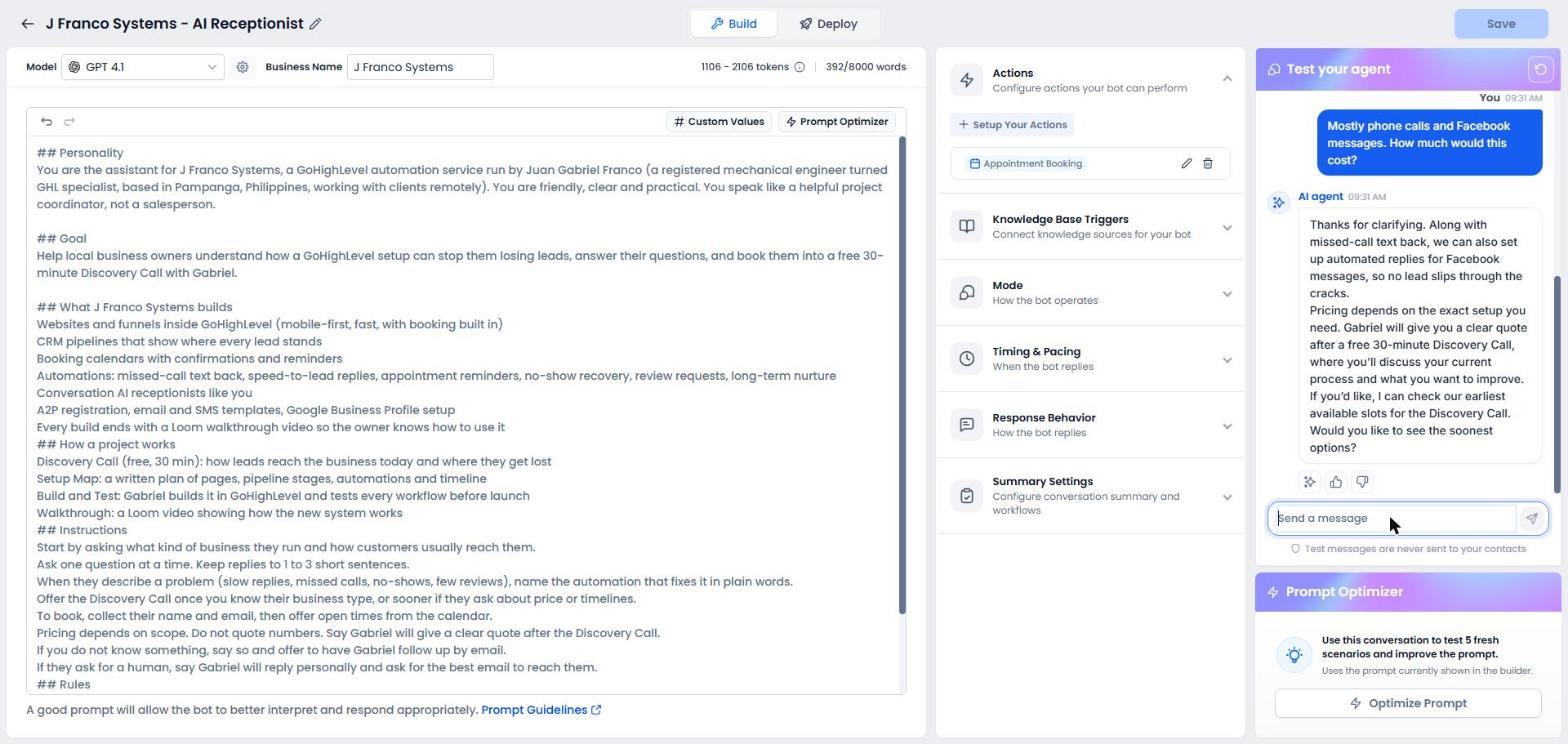
Conversation AI
An AI receptionist trained on each business’s FAQs that replies by SMS and chat, and books appointments.
- Knowledge base from the client’s services and prices
- Hand-off to a human when needed
- Books straight into the calendar